
SHAREit
SHAREit is a free Windows app from the SHAREit Team for moving photos, videos and documents between a PC and a phone. The current version is 5.1.0.7.
22.7 MB

AnyDesk is a remote desktop application for connecting to and controlling another computer over the internet, from a small Windows program.
Average 0.0 · ratings: 0
Thank you! Your rating is saved; you can change it. Could not save the rating. Please try again later. Too many ratings from your network today. Please try again tomorrow. The average appears after 5 ratings.
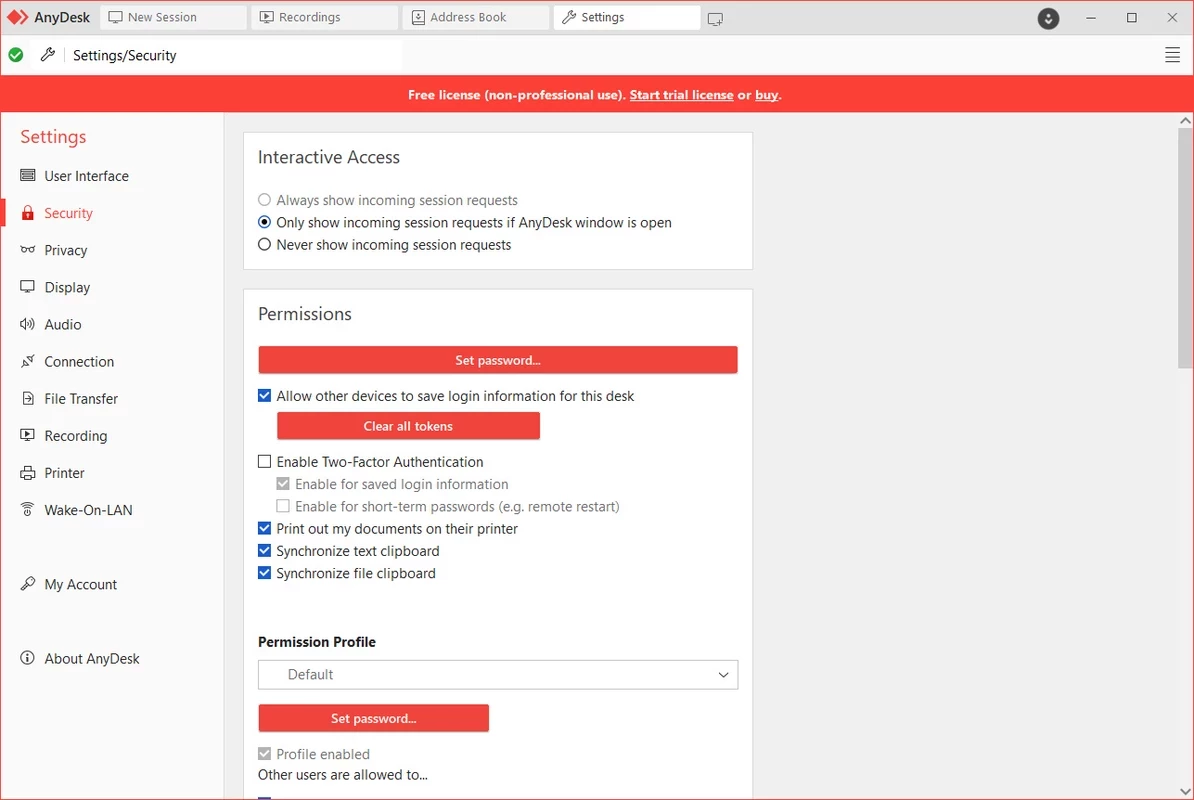
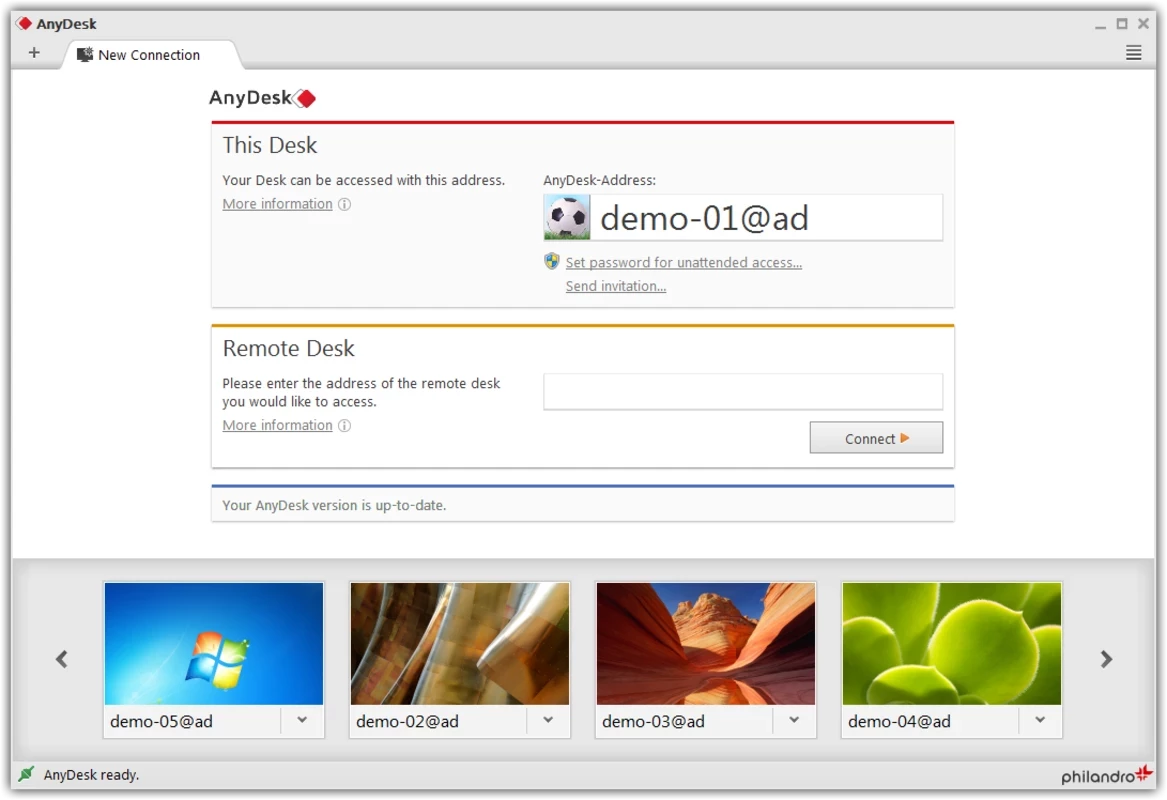
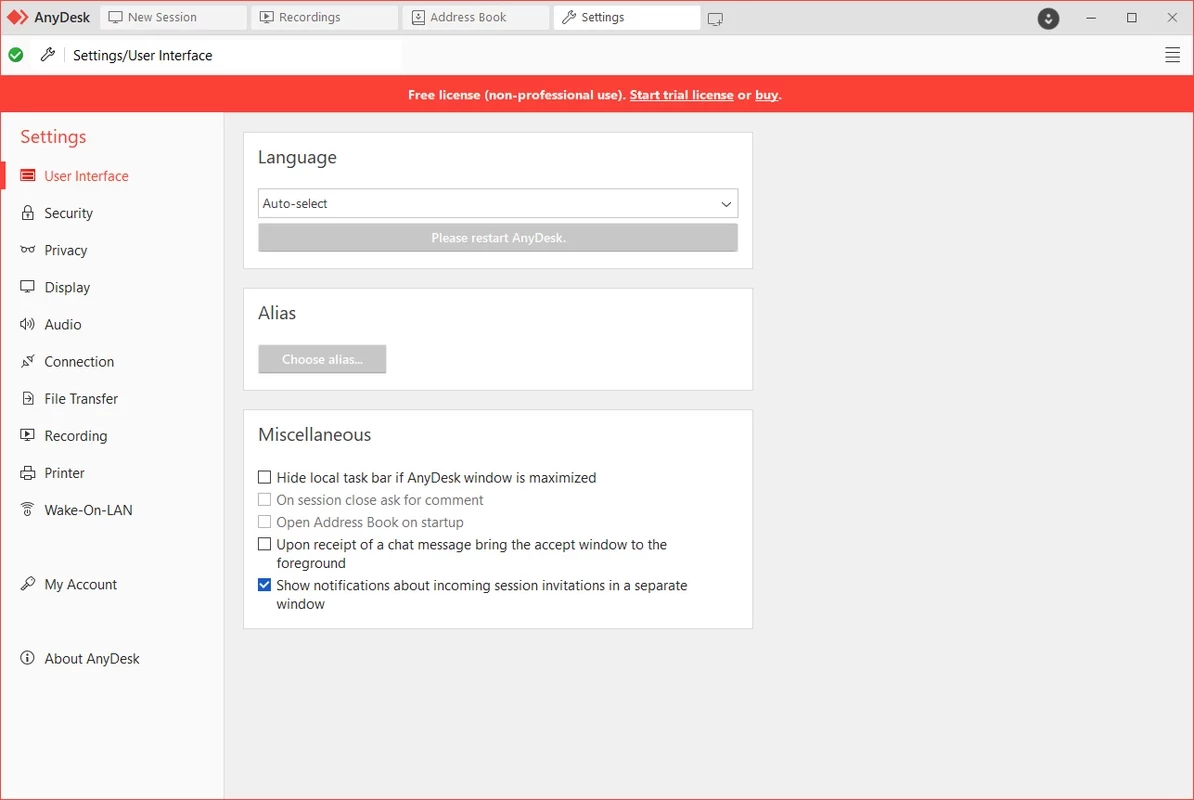
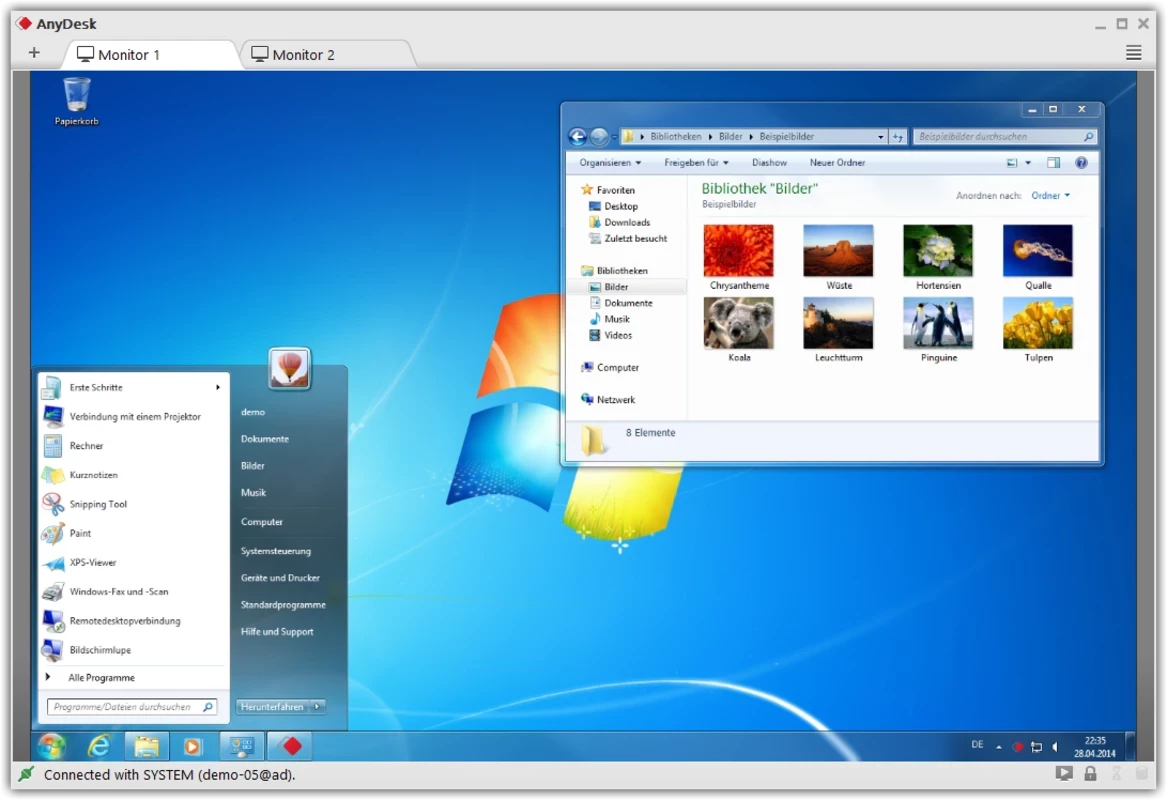
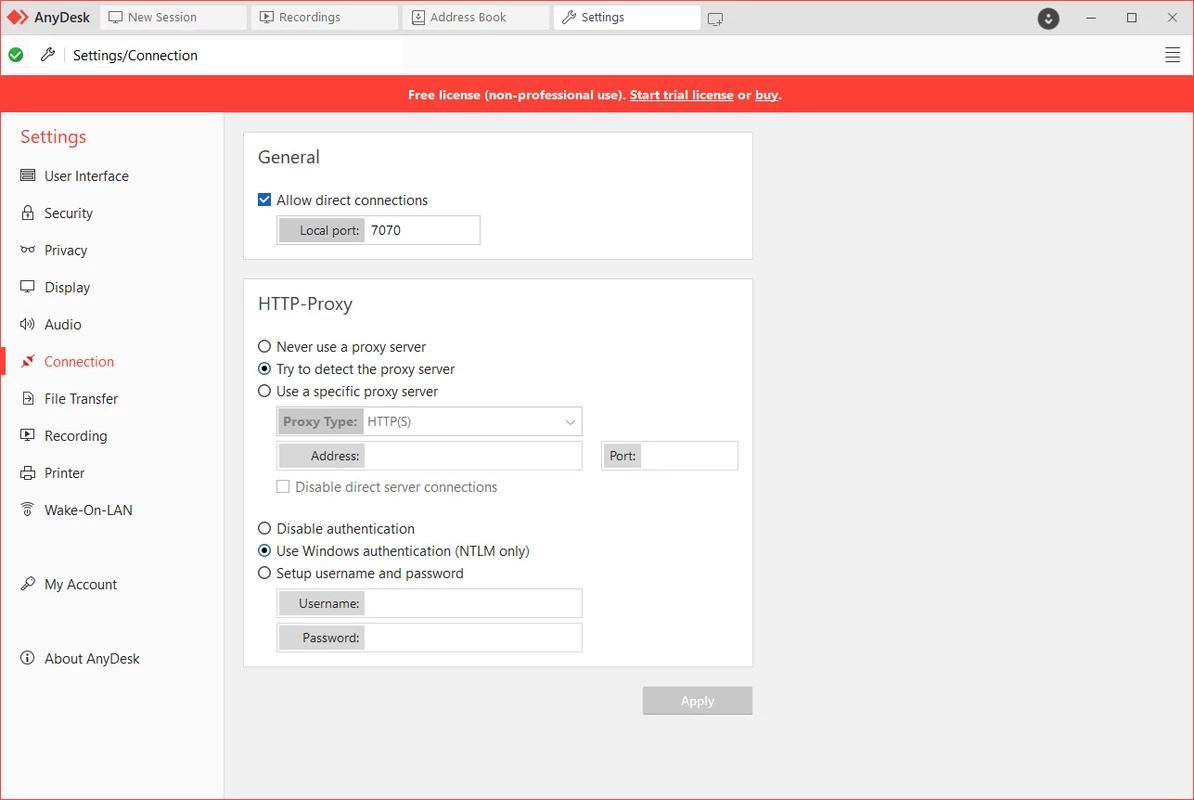
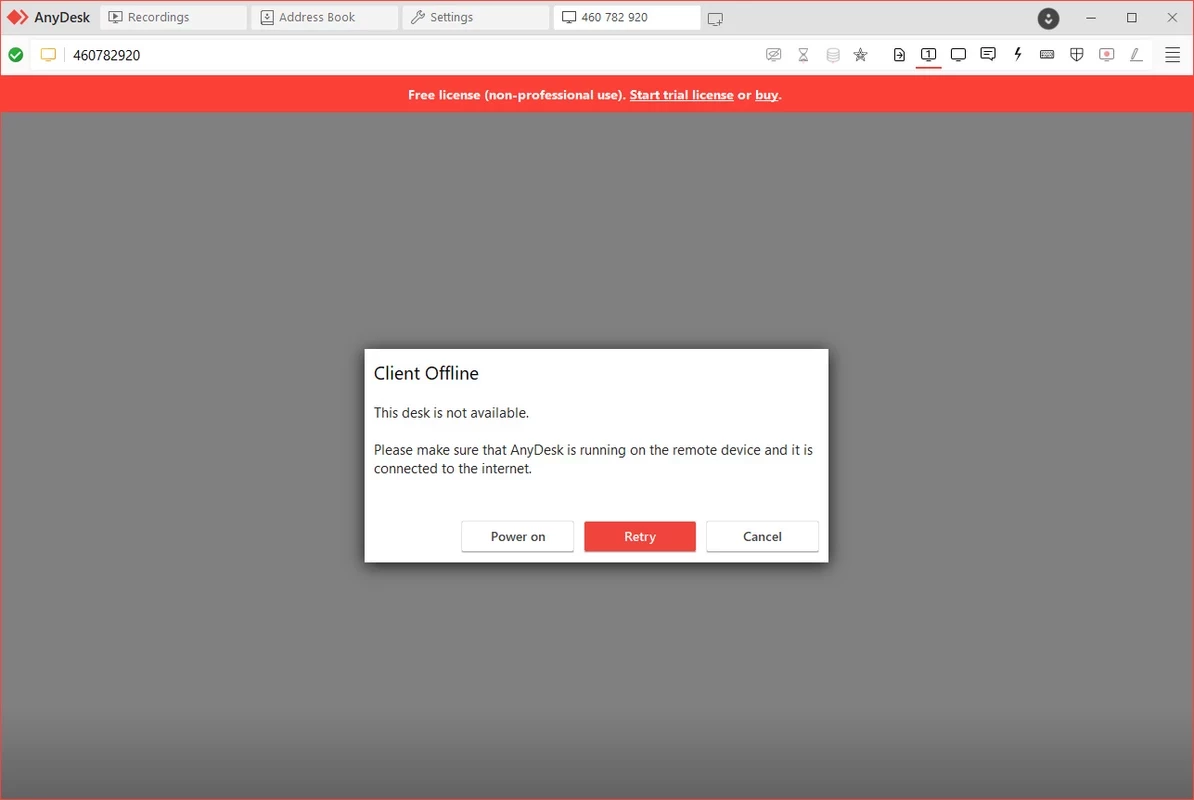
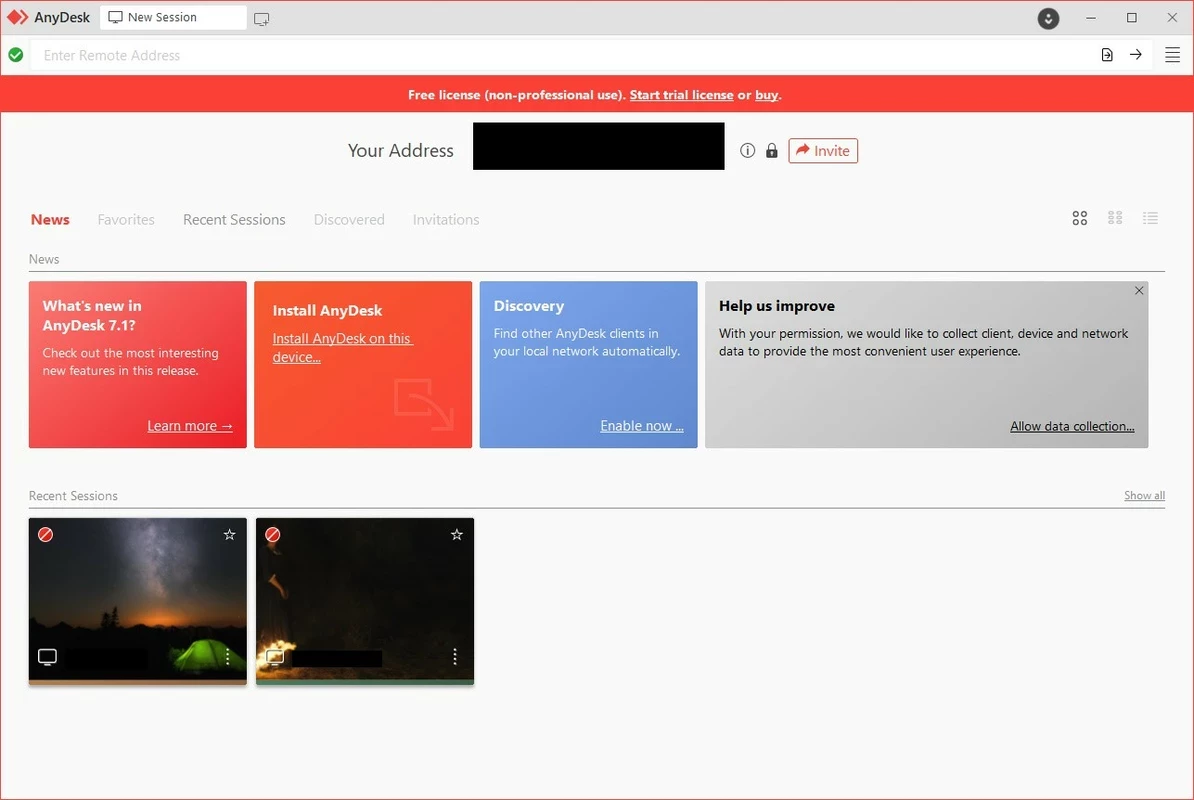
AnyDesk 9.7.16 for Windows is a remote desktop application from AnyDesk Software, and you can download it from the official anydesk.com website. It lets you see and control another computer over the internet, or let someone you trust help you on yours. Here are the answers to common questions.
AnyDesk has been developed since 2015 and does one job: remote desktop access. Each installation gets an address; when another person enters it and you accept the request, they see your screen and can move the mouse and type as if they were sitting in front of it. IT support teams use this to fix problems without travelling. Freelancers reach their office PC from home. Family members help parents install printers or clean up a slow laptop. The program can also transfer files between the two computers during a session, and it can be set up for unattended access to your own machines with a password. The Windows client is about 8.15 MB according to catalogue data and can even run without a full installation, so it is practical for one-off help sessions, and just as handy for everyday administration.
According to AnyDesk's supported operating systems page, the Windows client runs on Windows XP SP2 and later, including Windows 7, 8.1, 10 and 11, as well as Windows Server 2003 SP2 or later. Clients also exist for macOS, Linux, Android, iOS, FreeBSD and Raspberry Pi.
Detailed steps are in the official installation guide, and every build is listed in the changelog.
The catalogue lists AnyDesk as a demo. In practice that means you can try it and use it privately, while regular or commercial use requires a paid licence from AnyDesk Software.
The software itself, downloaded from anydesk.com, is safe. The danger is how scammers use it. Fake "bank", "tech support" or "refund" callers often ask victims to install AnyDesk and read out their address, then take control of the PC. Never accept a connection from someone who called you out of the blue, never let a stranger watch you log in to online banking, and end the session immediately if something feels wrong. For unattended access, set a strong password and enable two-factor authentication.
TeamViewer is the closest alternative in the same category. For finding devices on your local network, Advanced IP Scanner serves a different but related purpose.
SHAREit is a free Windows app from the SHAREit Team for moving photos, videos and documents between a PC and a phone. The current version is 5.1.0.7.
Zapya for Windows is a free file transfer app from DewMobile for moving files between a PC and phones over a local wireless connection.

Easy Connection to Screen is Samsung's Windows app for showing a PC's screen on a compatible Samsung TV over a wireless connection.

4K Video Downloader Plus is a Windows program from Open Media for saving online videos, playlists and audio for offline use, with a free mode and paid licences.

Internet Download Manager (IDM) is a shareware download manager for Windows from Tonec that accelerates, resumes and schedules downloads.

uTorrent (μTorrent) is a small BitTorrent client for Windows from Rainberry (BitTorrent Inc) for downloading and sharing files over torrents.

ShareMe is Xiaomi's free app for sending files between devices without a cable; on Windows the Android app runs only inside an emulator.

Xender is a free file sharing app from the Xender File Sharing Team for sending files between phones and computers over a local connection.